Data Connectors
Data Connectors Purpose
Section titled “Data Connectors Purpose”Anybuild has the powerful ability to easily connect to External Data Sources.
These can be external Databases plus many other kinds of Data Sources.
If the kind of Data Source you require is missing - contact us and we can probably add it.
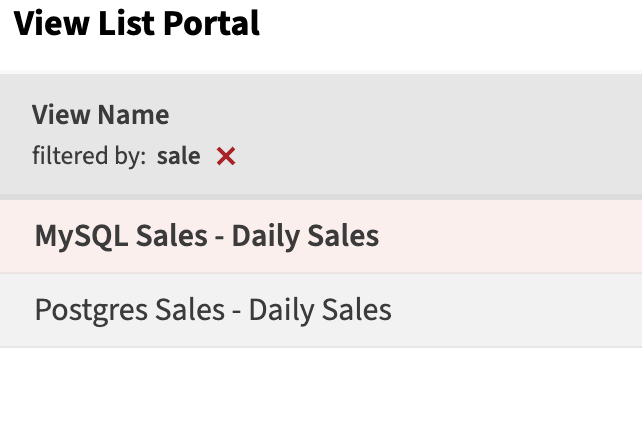
External Data sources can be treated like other Data Source within the system such as Entities and Views - in fact Anybuild creates a view for these.
Data from these can be moved into Anybuild Entities if required - of course permission from the data provider should be obtained for this.
View can easily manipulate, merge, transform, aggregate data from multiple data external and internal sources - so Anybuild can be used as Data Warehouse for sophisticated Reporting and Analytics.
Data Connectors Setup
Section titled “Data Connectors Setup”Create a Server
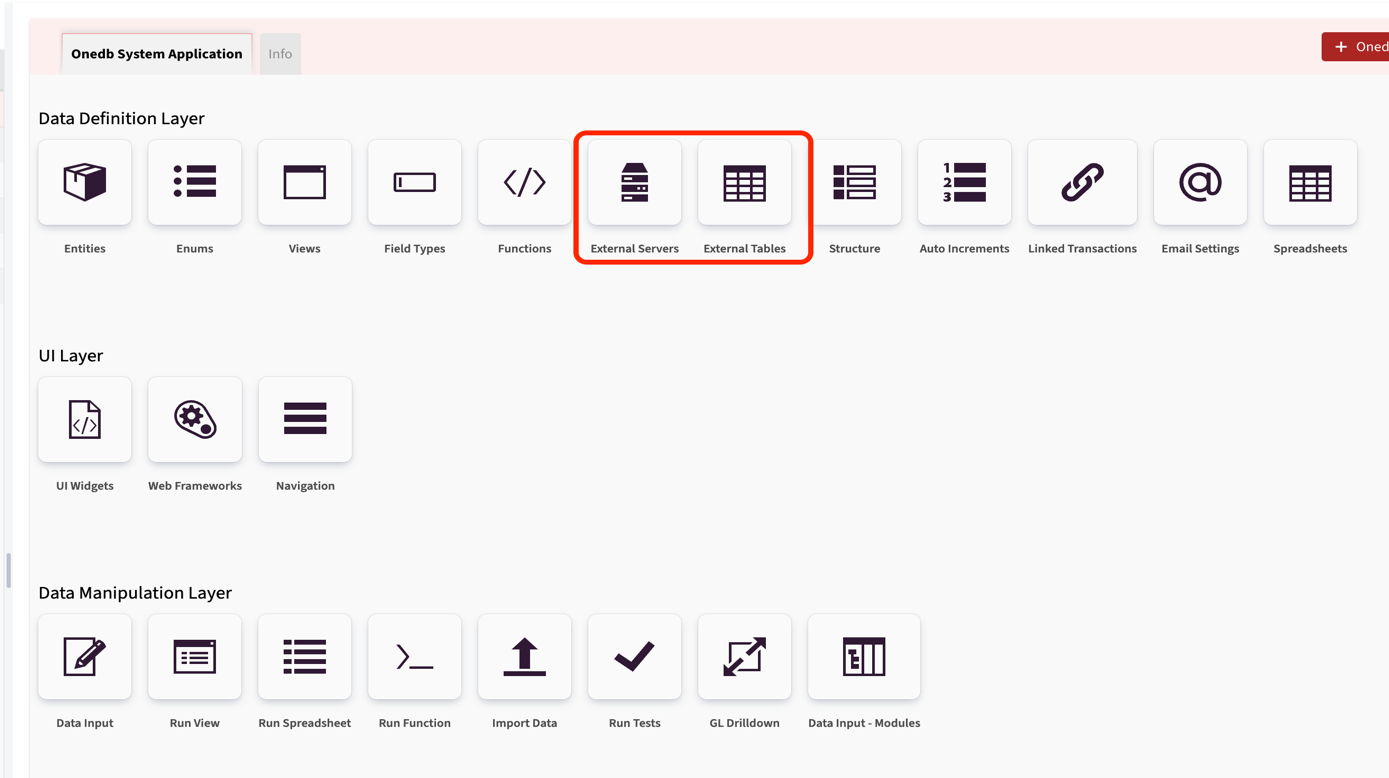
Section titled “Create a Server”Home >> Data Definition Layer >> External Servers
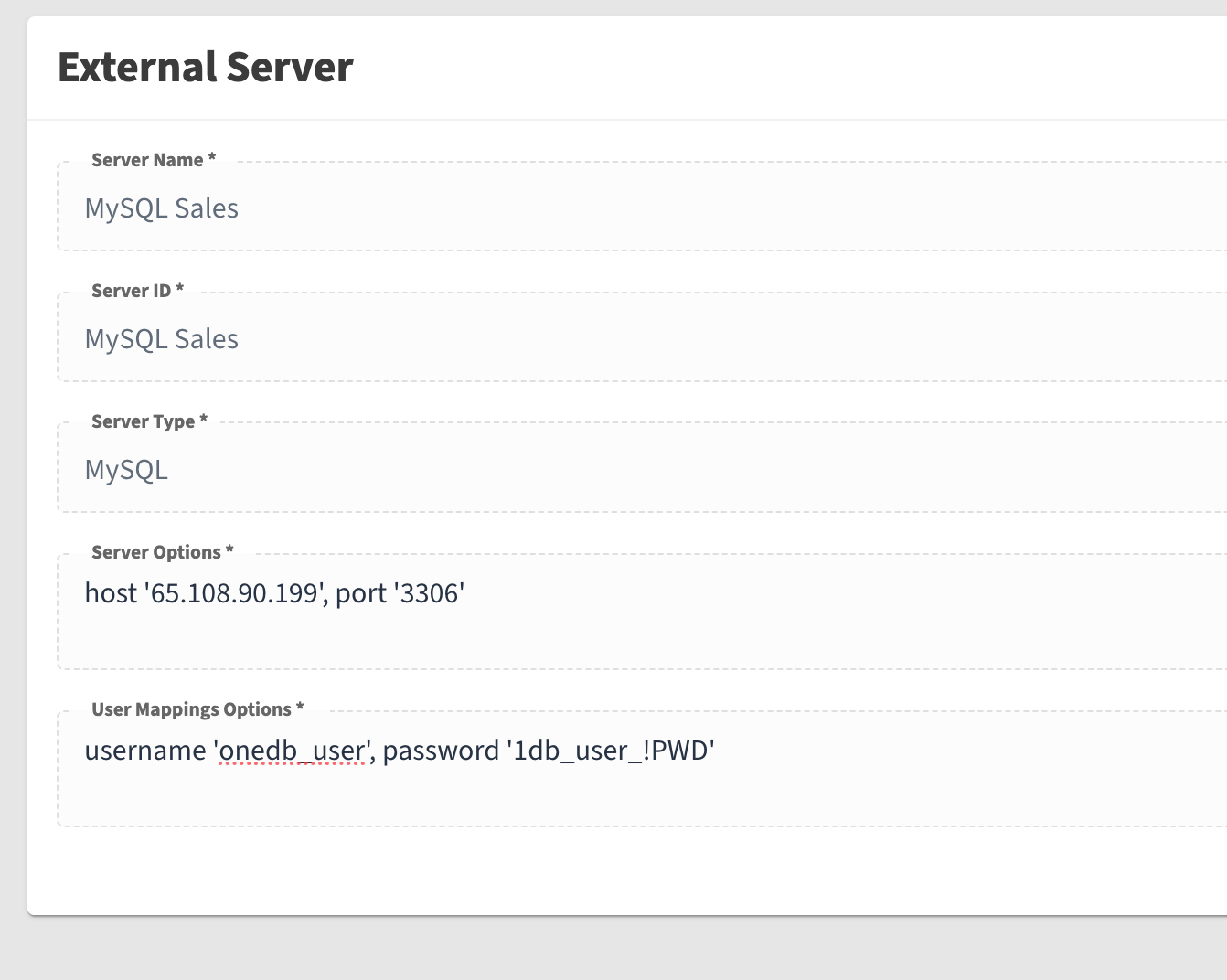
The way you specify Server Options and User Mappings Options may be different for each connector. For MySql server you need to enter them like in the screenshot below.
Refer to Help for more detail on this
Configure Tables
Section titled “Configure Tables”Home >> Data Definition Layer >> External Tables
The next step is creating a table that references the server. There is no discovery mechanism yet — so this is manual work.
You need to specify table options in the following format (replace database and table names): dbname ‘sales’, table_name ‘daily_sales’
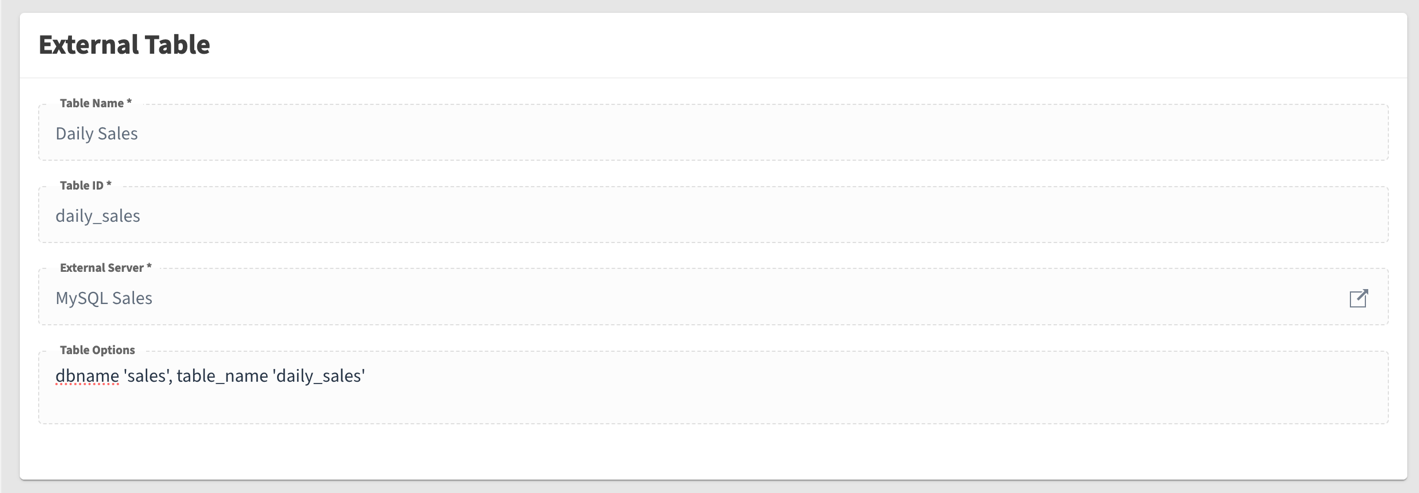
After that you can add columns. It is important that column ID corresponds to source table.
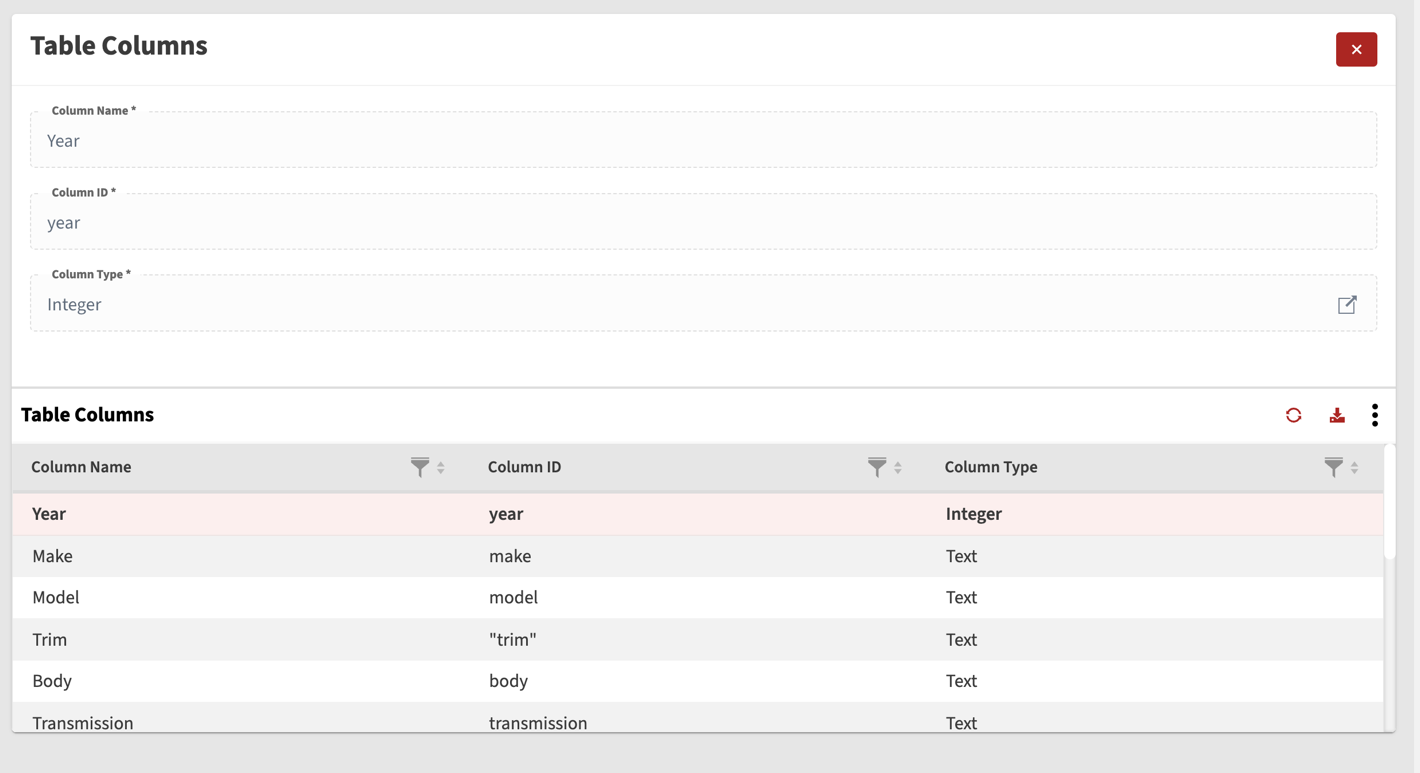
When you submit the table details — we automatically build a view for it — which you can use further in your views.
The automatically created view has name in format: