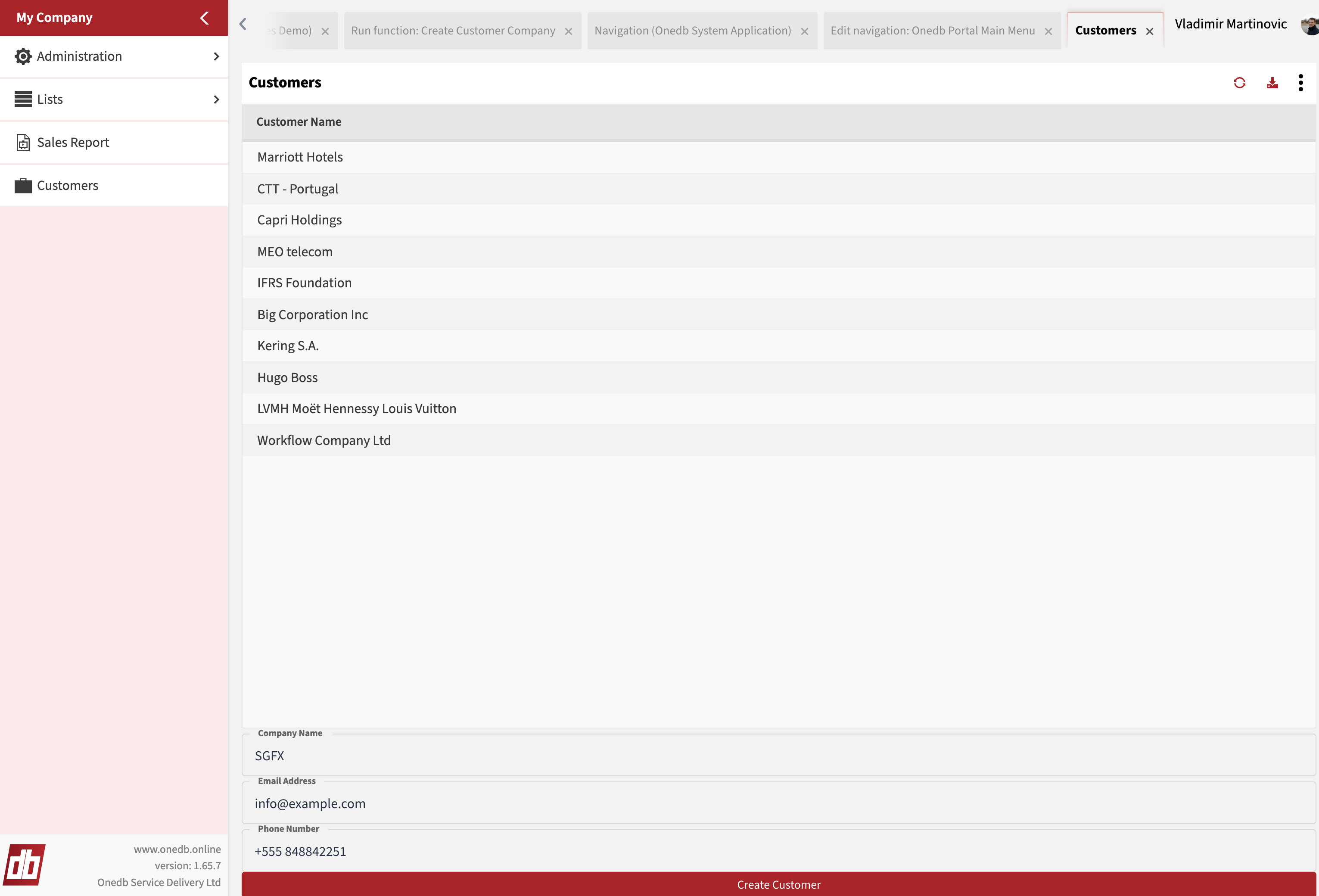
Navigation
Now that the page is created, we need to make it accessible. In this example, we will do this by adding a navigation item to the main portal navigation, called Anybuild Portal Main Menu (Home Page > Navigation).
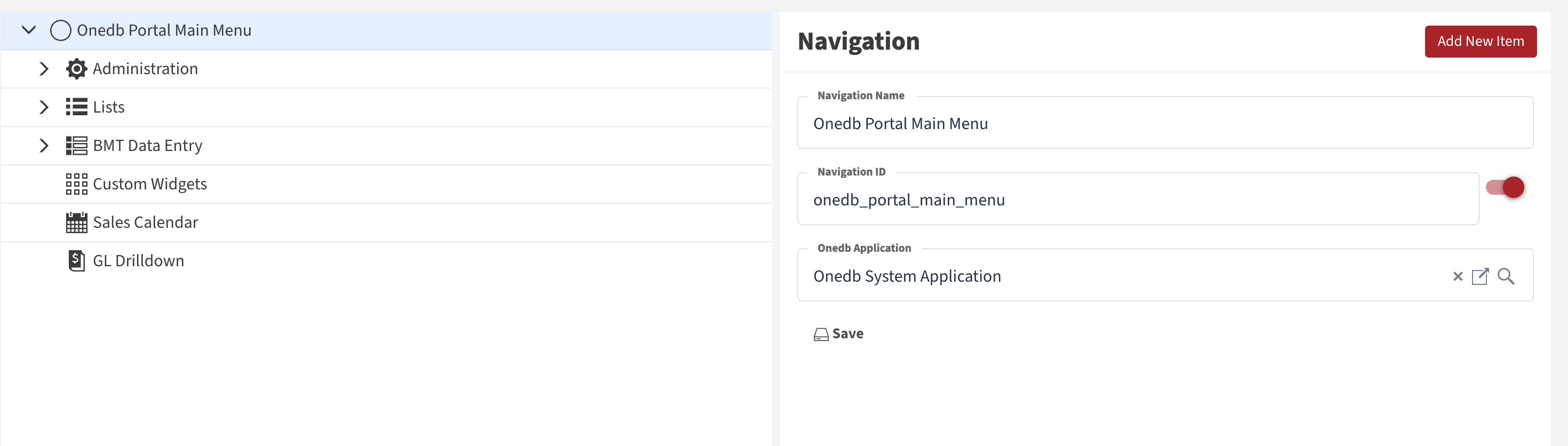
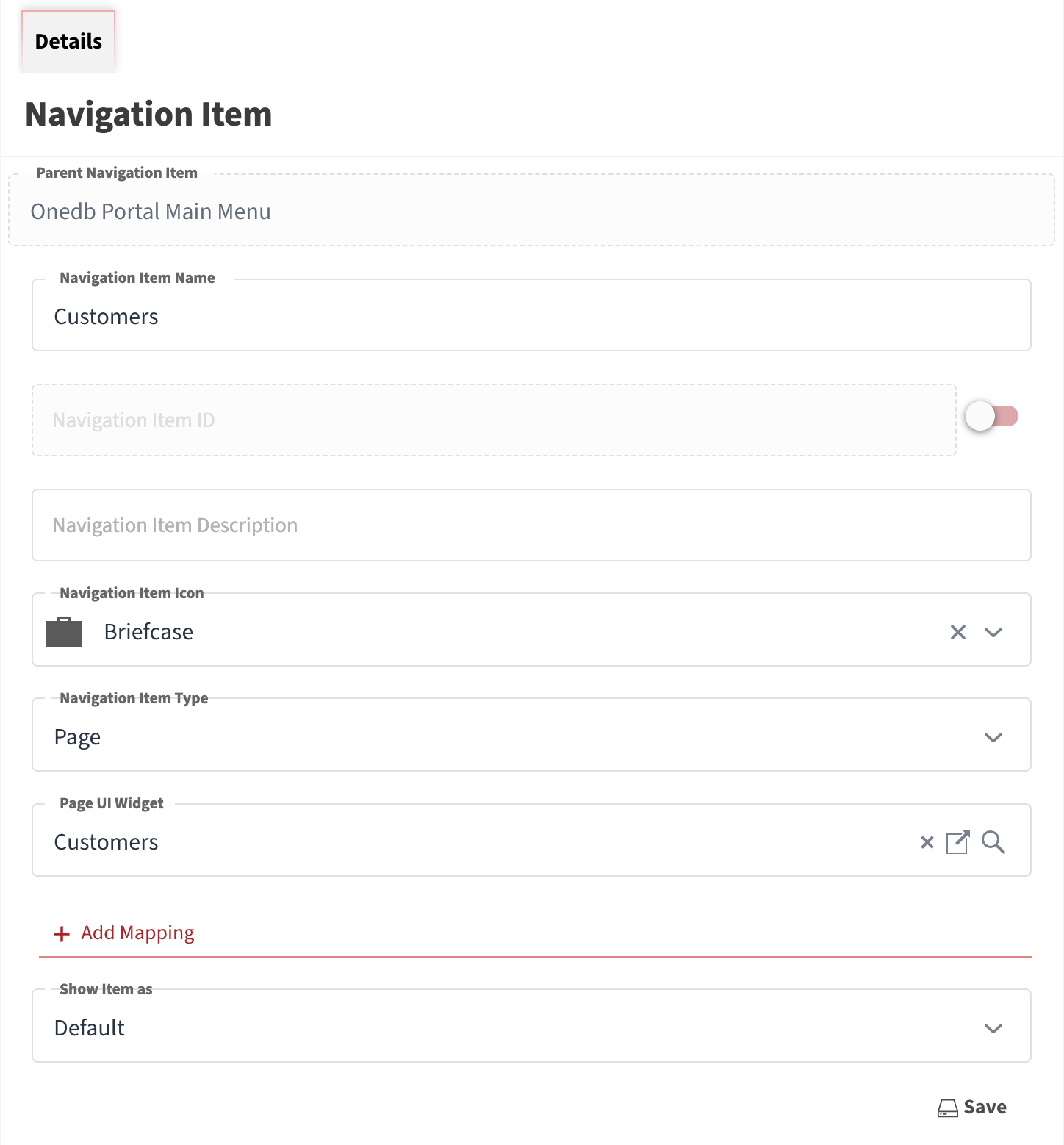
Click the Add New Item button, and enter the navigation details:
- Navigation Item Name: Customers
- Navigation Item Icon: Briefcase
- Navigation Item Type: Page
- Page UI Widget: Customers
- Show Item as: Default
Once you save it, the page will be available from the main menu on the left.